

Setting Up the Right Backup Strategy for SMEs
A backup strategy for SMEs protects data, systems, and workflows. How to plan backup, recovery, and responsibilities the right way.
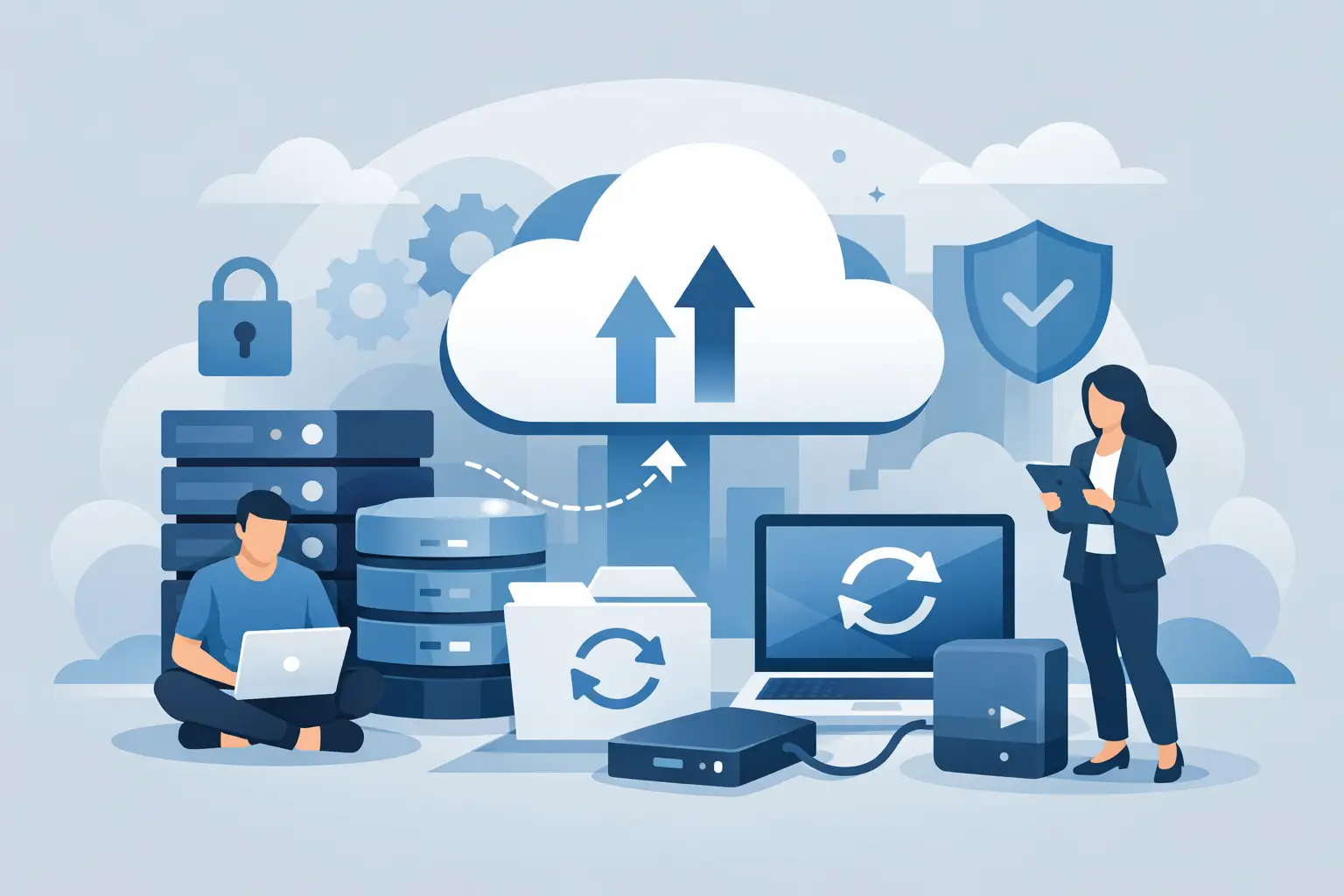
Monday morning, 8:12 a.m.: the ERP system won't start, accounting can't access invoices, and sales is missing up-to-date customer data. Moments like this reveal whether a backup strategy for SMEs exists only on paper or actually holds up in daily operations. For small and medium-sized businesses, this isn't just about data backup — it's about how quickly the business can get back to work after an outage.
Many companies already back up data — somehow. An external hard drive in the office, cloud storage with no clear rules, or a backup job nobody has checked in months. That can work as long as nothing happens. When things get serious, improvised solutions often aren't enough. A good strategy is therefore not a luxury, but part of a reliable IT foundation.
What a good backup strategy for SMEs needs to deliver
A working backup strategy answers three practical questions: what needs to be backed up, how quickly does it need to be available again, and who is responsible for it? Only once these points are clear can you choose the right technical solution.
This is especially important for SMEs because outages usually hit day-to-day business directly. Unlike large corporations, there is rarely spare capacity, multiple data centers, or a dedicated team just for disaster management. When the server goes down, part of the company often goes down with it. That's why a backup strategy doesn't need to be maximally complex — it needs to be reliable, traceable, and suited to the business.
This also requires a realistic view of dependencies. It's often not just classic file servers that are critical, but also email mailboxes, virtual machines, cloud applications, local line-of-business software, phone systems, or document archives. Anyone who only backs up "files" quickly overlooks that the real damage often lies in applications and processes becoming unavailable.
Not just storing, but being able to restore
The biggest misconception about backups is simple: backed up doesn't mean recoverable. Many companies only discover in an emergency that their backups were incomplete, corrupted, or outdated. Storage space is used, but the benefit is exactly zero.
That's why every backup strategy for SMEs should always factor in recovery from the start. How long can an outage be tolerated? Is it enough if data comes back from the previous day, or do changes need to be backed up on an hourly basis? Does only a single file need to be restored, or possibly an entire server? The technical and organizational setup changes significantly depending on the answer.
Companies that back up once a night often do fine in typical office environments. In production-related processes, with intensive inventory management, or under heavy email load, that can be too coarse. In those cases, more frequent backup intervals make sense. Conversely, not every small business needs to replicate elaborately across multiple sites. What matters is what's genuinely necessary for the business.
The 3-2-1 rule still makes sense — but shouldn't be applied blindly
The well-known 3-2-1 rule is a good starting point. It states that there should be three copies of your data, on two different types of media, with one copy stored off-site. For many SMEs, this remains a practical standard because it covers typical risks such as hardware failure, user error, theft, or fire much better.
Even so, the rule isn't a rigid recipe. Companies that work heavily in the cloud need to plan differently than one with its own server room. Anyone processing sensitive data with long retention requirements has different needs than a small service business with modest IT. It's not about ticking off a formula, but about applying it sensibly to your own environment.
Above all, it's important to separate production systems from backups. Backups that are permanently reachable directly on the same network can be affected by ransomware attacks too. That's why immutable backups, separate storage targets, or additional offline or off-site copies should be planned in. This is exactly where solid precaution differs from mere data duplication.
A backup strategy doesn't replace upstream protective measures. Endpoint protection and patch management or a properly configured firewall ideally prevent an incident from happening in the first place. Backup is the safety net for the moment those measures don't hold.
Which data and systems should be backed up
Many projects reveal that companies only partially know their critical data. The obvious folders are usually on the radar, but the edge cases are missing. These include local data on notebooks, databases of small specialist applications, firewall configurations, phone system settings, virtual hosts, or user profiles.
A clean inventory is therefore the first sensible step. Every system whose failure would disrupt operations, cost money, or carry legal consequences should be backed up. That often includes file shares, ERP and CRM data, Microsoft 365 data, emails, accounting applications, virtual servers, archive systems, and central network configurations.
Endpoints deserve attention too. Especially in smaller companies, important data isn't only created on the server, but also on laptops in the field or on individual department computers. If this data is never stored centrally, even the best server backup only helps to a limited degree. Clear rules and often technical add-ons are needed here.
Local backup, cloud backup, or both?
In most cases, the answer is: both, but with a sense of proportion. Local backups have the advantage of usually being restored quickly. That's helpful when accidentally deleted files, a defective server, or a damaged virtual machine need to be brought back at short notice.
One point causes confusion again and again: cloud storage is not automatically a backup. If you only store files in a sync solution, you don't yet have a resilient safeguard — if a file is accidentally deleted or encrypted, that state can propagate to every connected device. A real backup therefore needs its own versioning, defined retention periods, and a recovery process that works independently of the source system.
Cloud or off-site backups offer additional protection if the location itself is affected — by fire, water damage, burglary, or ransomware. They are therefore an important building block for genuine resilience. At the same time, recovery times here depend more heavily on bandwidth, data volume, and prioritization.
For SMEs, a combination is therefore usually the economically sensible choice: fast local backup for day-to-day operations and an outsourced copy for emergencies. Which solution fits depends on data volume, connection quality, protection needs, and budget. Vendor-neutral planning is often worth more here than the biggest product promise.
Without clear responsibilities, technology quickly becomes a risk
Even good backup software doesn't automatically solve the organizational problem. In many companies, it's unclear who checks backups, evaluates error messages, tests recoveries, or tracks changes in the IT landscape. That's exactly where gaps appear.
A reliable backup strategy therefore needs fixed responsibilities. This doesn't just concern IT, but the business departments too. When new applications are introduced, storage locations change, or cloud services are added, the backup setup needs to be adjusted. Otherwise, shadow areas grow that will be missing in an emergency.
Documented recovery paths are just as important. Anyone who has to search for credentials, encryption keys, or responsibilities in an emergency loses valuable time. A well-maintained emergency plan isn't a bureaucratic extra — it's part of operational readiness. For companies without a large internal IT team, this is an area where ongoing support provides substantial relief.
Testing backups: the most commonly skipped step
A backup that has never been tested is an assumption. Nothing more. Still, recovery tests often get postponed in daily business because there's always something more urgent. Understandable — but risky.
Regular tests within a clearly defined framework make sense. That can be restoring individual files, testing a virtual machine, or a full trial run for particularly critical systems. It's not just about the technology, but also about time: how long does the restore actually take, and does that match the company's requirements?
Especially in environments that have grown organically, this often reveals surprises. Databases need additional steps, new systems were never added to the backup plan, or retention periods don't match actual needs. Such issues can be cleanly corrected during a test run — much less easily during an actual crisis.
How much backup does an SME really need?
Not every company needs the same depth. A trade business with central order management has different requirements than a tax advisor, a medical practice, or a trading company with several locations. The backup strategy should therefore always be aligned with the business itself. Three starting points come up especially often in practice:
Small companies without an in-house IT department are usually best served by a simple, fully managed solution. Automated online backup or a managed backup service takes daily oversight off your plate — important when nobody in-house has time to regularly review backup logs.
Companies with multiple servers or virtualized environments need system-level backup instead of pure file backup, including granular restore and a documented recovery plan. Otherwise, in an emergency, simply bringing the infrastructure back up already takes too long.
Regulated or particularly sensitive areas — law firms, medical practices, or companies with high data protection requirements — also need to keep an eye on storage location, access rules, and documentation. Here, backup isn't just technology, it's part of risk management.
Companies planning with limited resources should first secure their most critical systems and then expand step by step. That's often more sensible than an oversized solution that's expensive and doesn't get consistently maintained in daily operations. Good IT doesn't have to be maximally complicated. It has to fit the company and work reliably.
An experienced IT partner helps define exactly this: which risks are real, which recovery times are economically justifiable, and which solution can be operated stably in daily business? For many SMEs, this translation of technology into operational requirements is exactly the value added. WSV Systemhaus supports such decisions with an eye on feasibility, operations, and long-term care.
Warning signs: when a backup strategy needs a review
Not every weakness in a backup setup is immediately obvious. A few signs are still worth watching for: if the backup depends on a single person and nobody steps in during vacation or sick leave, if warning messages from the backup system routinely go unread, or if cloud services like Microsoft 365 are so far only partly backed up independently, or not at all. In these cases, the right time for a review has usually already arrived.
Growing requirements are also a good reason to check in: new locations, more home-office workstations, additional line-of-business applications, or regulatory demands all change what a backup strategy needs to deliver. If simple questions — How quickly do we get data back? Are all systems really covered? Who coordinates during an incident? — don't have clear answers, what's missing isn't technology, it's reliability. And that's something you can fix before it turns into an actual problem.
Practical example: The backup was green – why recovery can still fail
Illustrative scenario, not a documented customer case study.
Starting point: A company backs up its application server every night. The jobs report success, but a complete recovery has never been rehearsed.
Problem identified: During an isolated restore test, the application does not start: a required database is hosted on another system outside the selected backup scope.
Action: The team records the dependencies, expands the backup scope, and repeats the test in an isolated environment. Together with a business representative, it also checks sign-in and a typical business transaction.
How to verify the result: A useful test record identifies which systems were restored from which backup point, whether the business transaction worked, and how long recovery took. This evidence can then be compared with the desired recovery target.
Your next step: Choose a business-critical application and test its complete recovery, including its database, access, and dependencies. Our Backup Check & Restore Test addresses this question.
A backup strategy for SMEs is part of company security
Backups are often only taken seriously once something has already gone wrong. Yet they are closely tied to IT security, availability, and compliance. Anyone who realistically assesses attacks, outages, and operator error can't avoid a well-thought-out backup strategy.
The good news: you don't have to rebuild everything at once. Often it's enough to thoroughly review the existing environment, close vulnerabilities, and turn individual measures into a reliable overall concept. What matters is that your data isn't just stored somewhere in an emergency, but is available exactly when your business needs it.
Sources
More guides
NAS Systems for Businesses: Is Your Own Network Storage Worth It?
Your own network storage or pure cloud? What a NAS delivers for a business, what to look for when choosing one, and where its limits lie.
read more : NAS Systems for Businesses: Is Your Own Network Storage Worth It? →

The 3-2-1 Backup Strategy Explained Simply
Three copies, two media, one off-site: how the proven 3-2-1 rule protects your business data from outages, theft, and ransomware.
Getting GoBD-Compliant Archiving Right
GoBD-compliant archiving for businesses: how SMEs implement legally sound processes, email archiving, and retention in a practical way.
Updated on