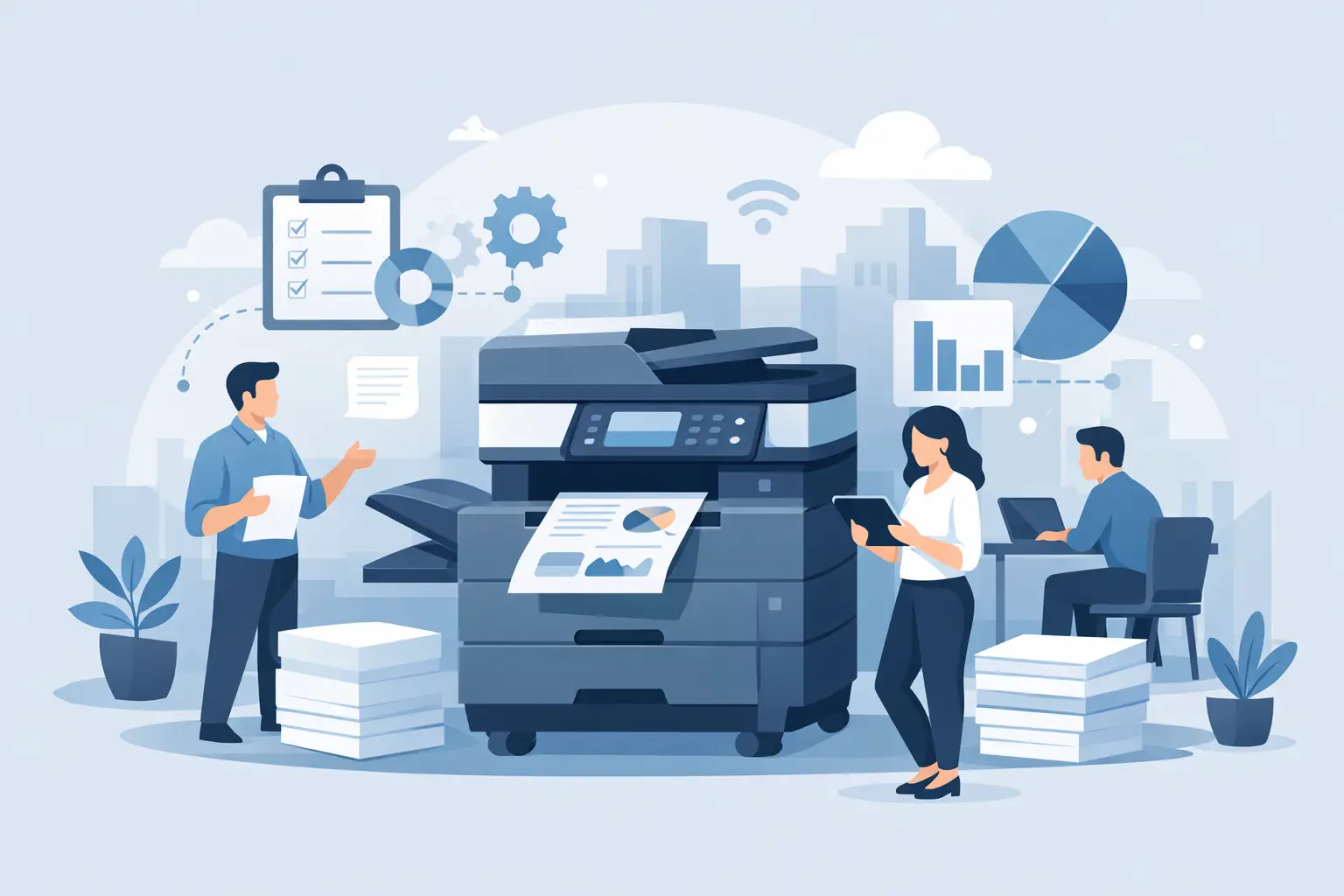

Printers & Copiers
Print and copy systems with maintenance, supplies and fair per-page pricing.
Your print and copy systems run reliably, consumables are reordered automatically, and cost per page stays transparent and predictable.
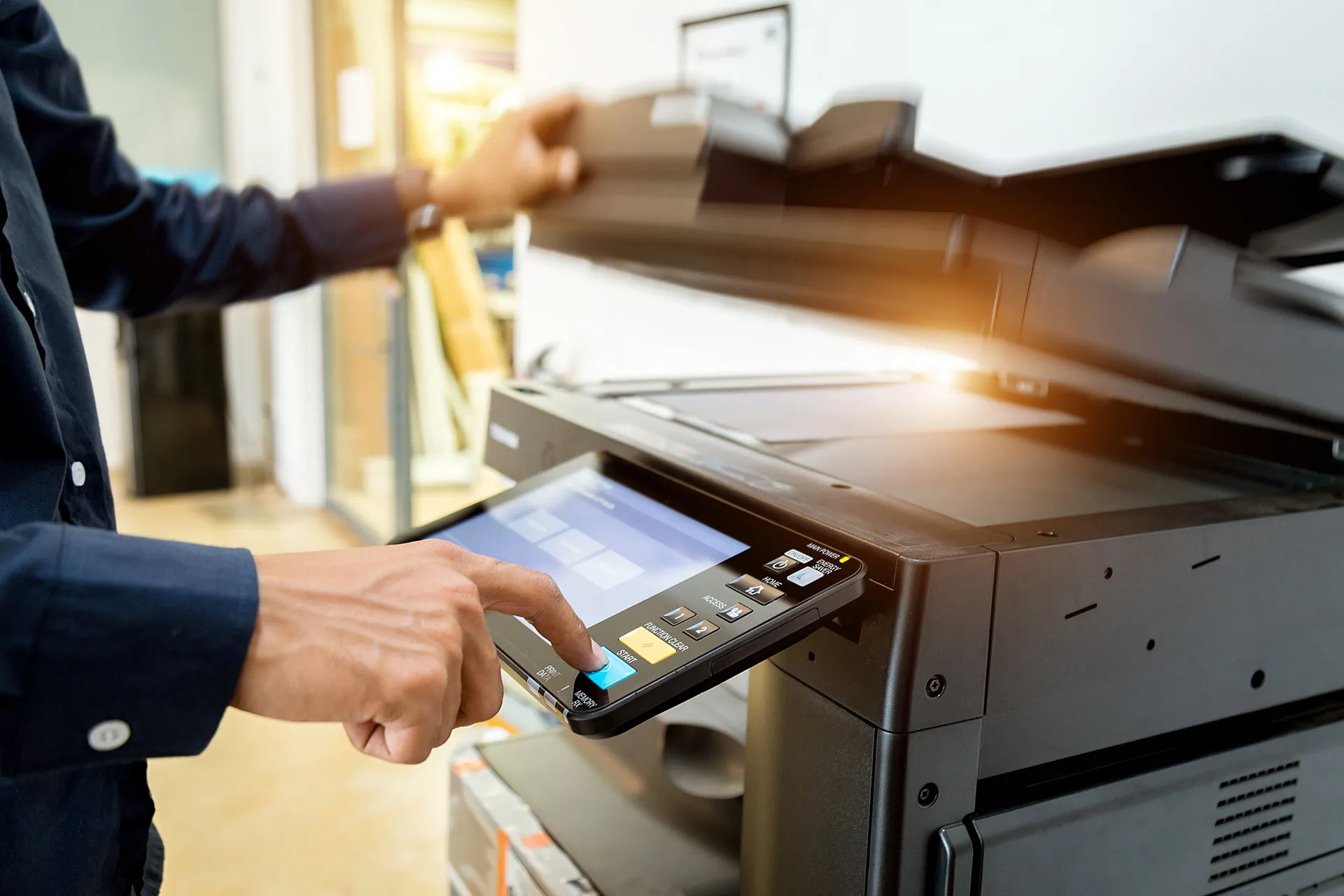
We supply and support print and multifunction systems from established manufacturers such as Kyocera - including maintenance contracts, automatic consumables delivery, and transparent billing based on actual usage.
- Do you know how many pages your devices actually print and what that really costs you per page?
- When a device fails, does someone have to chase it up, or does the problem report itself to us?
- Do scanned documents still end up as a loose pile of files in an email inbox instead of neatly filed in the right folder or system?
Printer and fleet analysis as the starting point
Before we replace or acquire anything, we look at the existing fleet: how many devices are in use, where are they located, how heavily are they actually used, and which contracts are still running? This often reveals an uneven picture - an overloaded device at the mailroom, several barely used standalone printers in side rooms. Based on this, we propose a structure that matches your actual print volume, instead of simply replacing what's there one for one.
Cost per page and consumables: predictable instead of a pricing puzzle
Under the per-click model, you pay a fixed amount per page printed, which already includes consumables such as toner and drums as well as the agreed maintenance - paper is not part of the per-click price. Devices report their fill level automatically, so new consumables arrive before supplies run out. Instead of separate invoice items for toner, spare parts, and technician visits, you get one clear bill under the agreed model.
Maintenance and fault handling
When a device reports a fault, we first narrow it down remotely. If the cause can't be resolved remotely, a technician comes on site - within the agreed maintenance contract. How quickly that happens in any given case depends exclusively on the contractually agreed terms.
Scan and document management integration instead of paper stacks
Multifunction systems are more than printers: scanned documents can be routed directly to a network folder, by email, or - where needed - directly into a document management system such as our DMS starter package, instead of having to be filed manually.
Kyocera and other manufacturers
Kyocera is an established partner of ours for multifunction systems. As a vendor-neutral advisory IT company, we always assess the need case by case, though - depending on print volume, existing infrastructure, and devices already in use.
What happens when replacing a device or taking over an existing fleet
Whether it's a single replacement device or taking over an entire existing fleet from another provider: we first assess the current state - existing devices, running contracts, and their remaining terms. Based on that, we plan the transition so print operations continue with as little interruption as possible, carry over configurations such as scan profiles and print drivers, and on request also arrange proper disposal of the old devices.
WSV takes care of
- Delivery, installation, and configuration of the agreed systems
- Maintenance and automatic consumables delivery within the agreed scope
- Transparent billing under the agreed model
Process
- Initial meeting: clarify print volume and requirements
- Analysis: inventory of existing devices, running contracts, and costs
- Planning: selection of suitable systems and contract model
- Implementation: delivery, installation, and configuration, including migration of existing scan profiles for takeovers
- Handover/operation: ongoing maintenance, consumables delivery, and support