

Planning a Printer Concept for Your Business
From a standalone printer in a side room to a well-thought-out printer concept: how fleet analysis, cost model, and security work together - and what matters with multifunction devices.
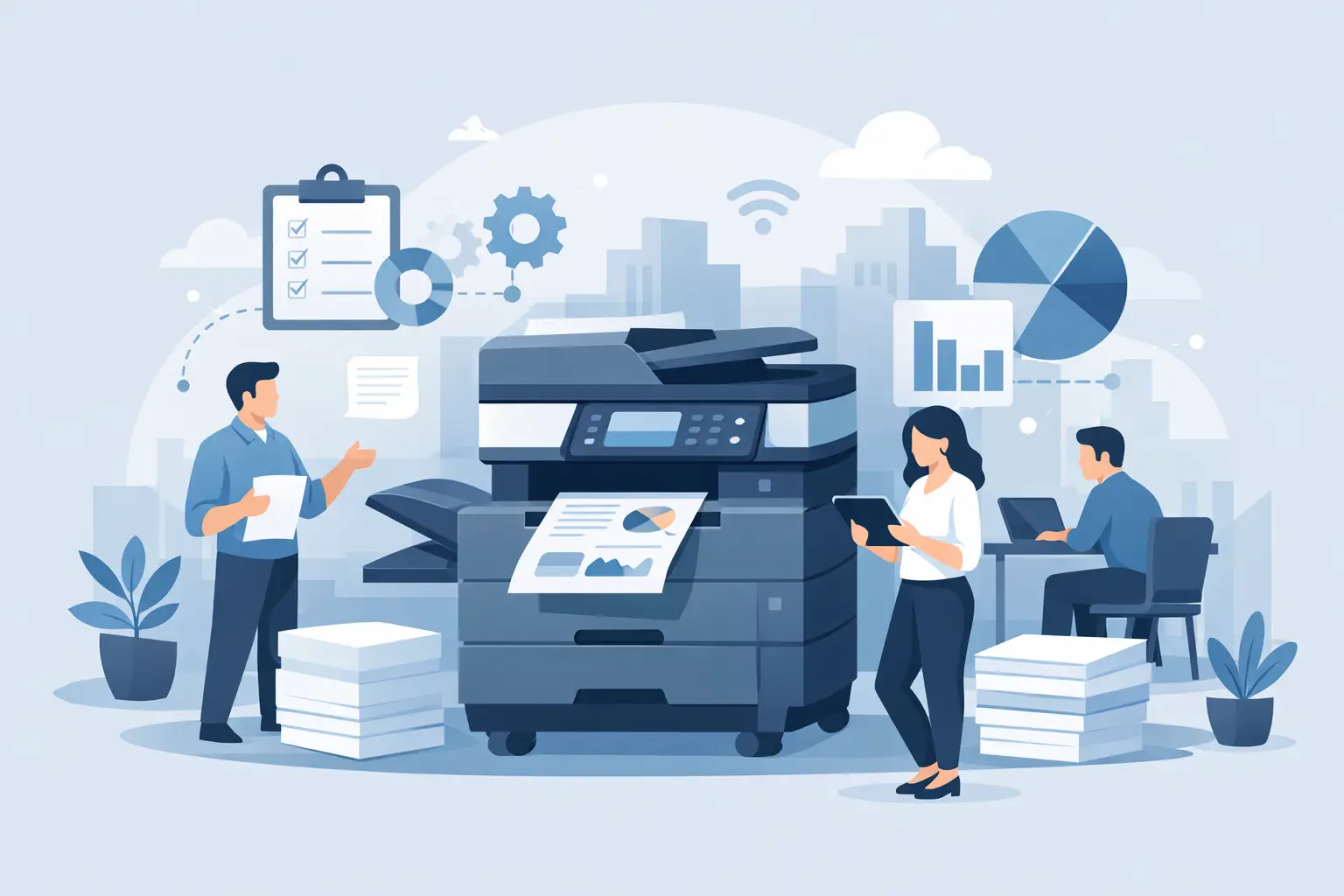
In many businesses, the printer landscape has grown organically: one device was bought when the need arose, another added once the first was overloaded. A well-thought-out printer concept reverses that order - it doesn't start with the device, but with actual demand.
Why a concept pays off
Without an overview, typical patterns emerge: one overloaded device in a central spot, several barely used standalone printers in side rooms, different contracts with different terms and conditions. That doesn't just drive up costs - it also complicates maintenance, consumables reordering, and IT security, because each device has to be looked at individually instead of as part of a fleet.
The starting point: fleet analysis
It starts with an honest inventory: how many devices are in use, where are they located, how heavily are they actually used, and which contracts are still running? Only then can you meaningfully decide whether central multifunction devices can replace several standalone printers, whether individual departments genuinely need their own devices, and where capacity simply overlaps.
Cost model: price per page instead of a pricing puzzle
A key building block of any concept is the billing model. Under the so-called per-click model, a business pays a fixed amount per page printed, which already includes consumables such as toner and the agreed maintenance. That makes cost per page predictable from the start and replaces separate, hard-to-forecast invoice items for toner, spare parts, and technician visits with one clear bill.
Security is often underestimated
Multifunction devices are full IT systems on the network - with a hard drive, an operating system, and a network connection - yet are often overlooked in IT security. The BSI Grundschutz module on printers, copiers, and multifunction devices names concrete measures: devices should be protected with their own administration password, firmware should be updated regularly, and documents cached on a device - including confidential HR or contract records - should be securely erased when the device is decommissioned. Secure or follow-me printing additionally ensures a document is only printed once the authorized person authenticates at the device - not sitting openly in the output tray beforehand.
Scanning instead of paper stacks
A modern multifunction device is more than a printer: scanned documents can be routed directly to a network folder, by email, or into a document management system, instead of being filed manually. Thinking this through as part of the printer concept saves a later retrofit.
Deciding vendor-neutrally
A printer concept should be guided by actual demand, not a particular brand. We work with Kyocera as an established partner for multifunction systems among others, but always assess the need individually - depending on print volume, existing infrastructure, and devices already in use.
Checklist
- Is the actual usage of all existing devices known?
- Are there overloaded devices alongside barely used standalone printers?
- Is the billing model (per-click) transparent and traceable?
- Are devices protected with an administration password and kept on current firmware?
- Is secure or follow-me printing active for sensitive documents?
- Is document erasure regulated when a device is decommissioned?
Conclusion
A good printer concept makes costs predictable, simplifies maintenance, and closes an often-overlooked IT security gap. With our Printing Solutions we handle fleet analysis, selection, operation, and security for your print and copy systems from a single source. Get in touch via our contact page if you want to put your current printer landscape to the test.
Sources
Related content
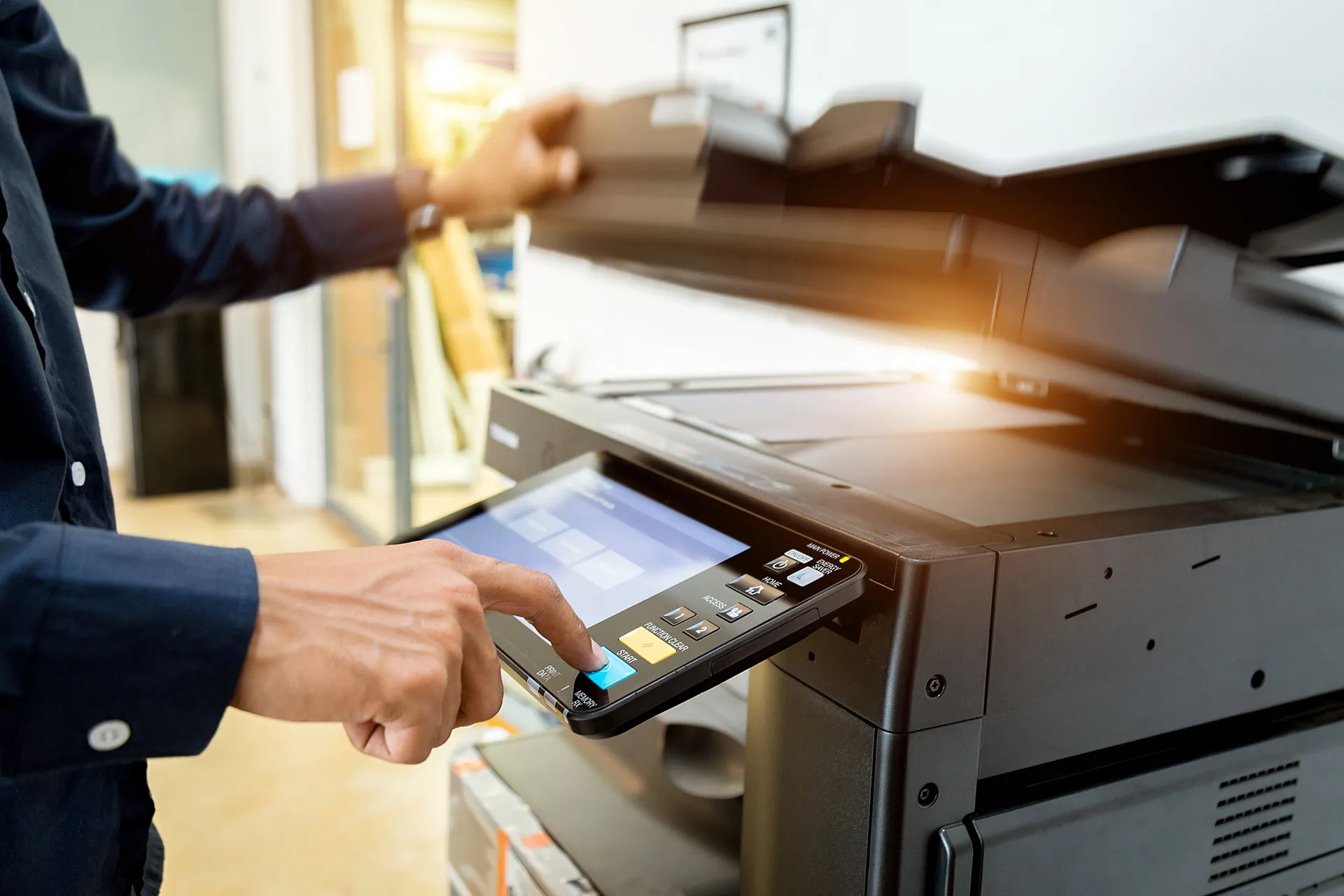
Printing Solutions
Print and copy systems with maintenance, supplies and fair per-page pricing.
More guides
Planning Office Network Solutions the Right Way
Office network solutions need to be stable, secure, and scalable. Here's how to plan infrastructure, Wi-Fi, security, and support the right way.
read more : Planning Office Network Solutions the Right Way →
Choosing the Right Server Solutions for Your Business
Server solutions for businesses need to be secure, scalable, and cost-effective. Here's how to find the right infrastructure for your operation.
read more : Choosing the Right Server Solutions for Your Business →