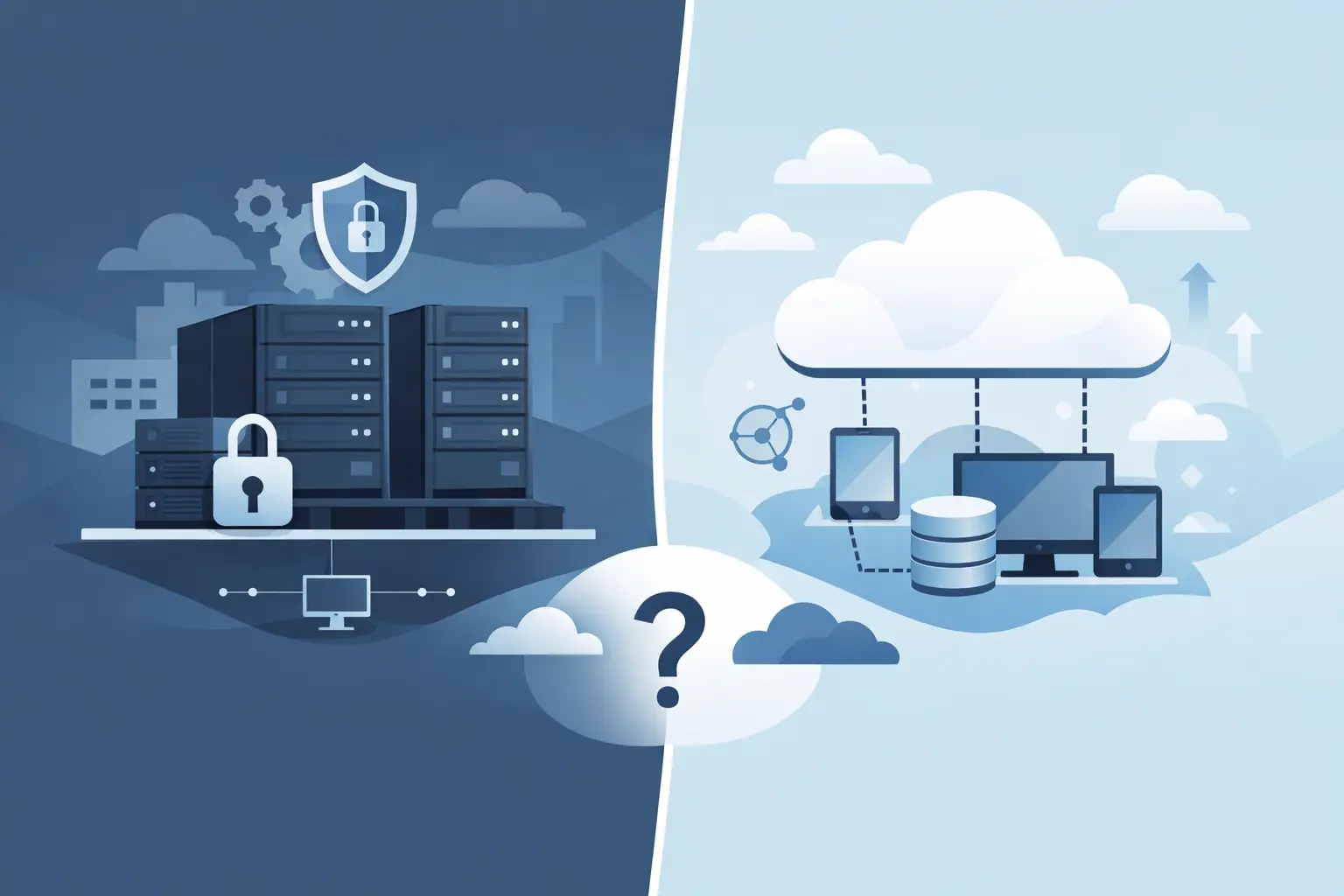

Are you still making calls through an old ISDN phone system, or did you inherit one that was hooked up to an IP line at some point? Then you're probably wondering how to move cleanly from the classic ISDN world to cloud telephony. There are two routes for an ISDN replacement: an IP line with your own on-site PBX, or a cloud phone system. This guide compares both, walks you through the switch step by step and points out the devices that most often hold these projects up in practice.
The context: where the All-IP migration stands
With the All-IP migration, network operators moved their fixed networks from ISDN and analog technology to the internet protocol. In February 2020, Deutsche Telekom described its IP migration as "virtually complete" and announced it would finish migrating business customers during 2020. The Bundesnetzagentur, Germany's telecoms regulator, does not give a universally binding switch-off date for all providers on its IP migration information page; each network operator sets its own timing.
What that means for you: your line is very likely an IP connection already. Many businesses nevertheless keep running an old ISDN system that hangs off an adapter in the router. That often still works, but it's a stopgap. At the latest when the system fails, spare parts run out or staff need to be reachable from home, the real decision is due.
Criteria for your decision
Before comparing options, five questions are worth answering:
- Way of working: Does everyone take calls at their desk, or do you need reachability from home, on the road or across several sites?
- Internet connection: Is the line stable enough for voice? As a guideline for our cloud phone system, plan for roughly 100 kbit/s per concurrent call in each direction, plus stable latency and headroom for other traffic.
- Auxiliary systems: Which devices besides phones are connected to the system?
- Cost model: Do you want to buy and maintain a system, or pay monthly per extension?
- Operations: Who makes changes when someone joins or the team moves?
Option A: IP line with an on-site PBX
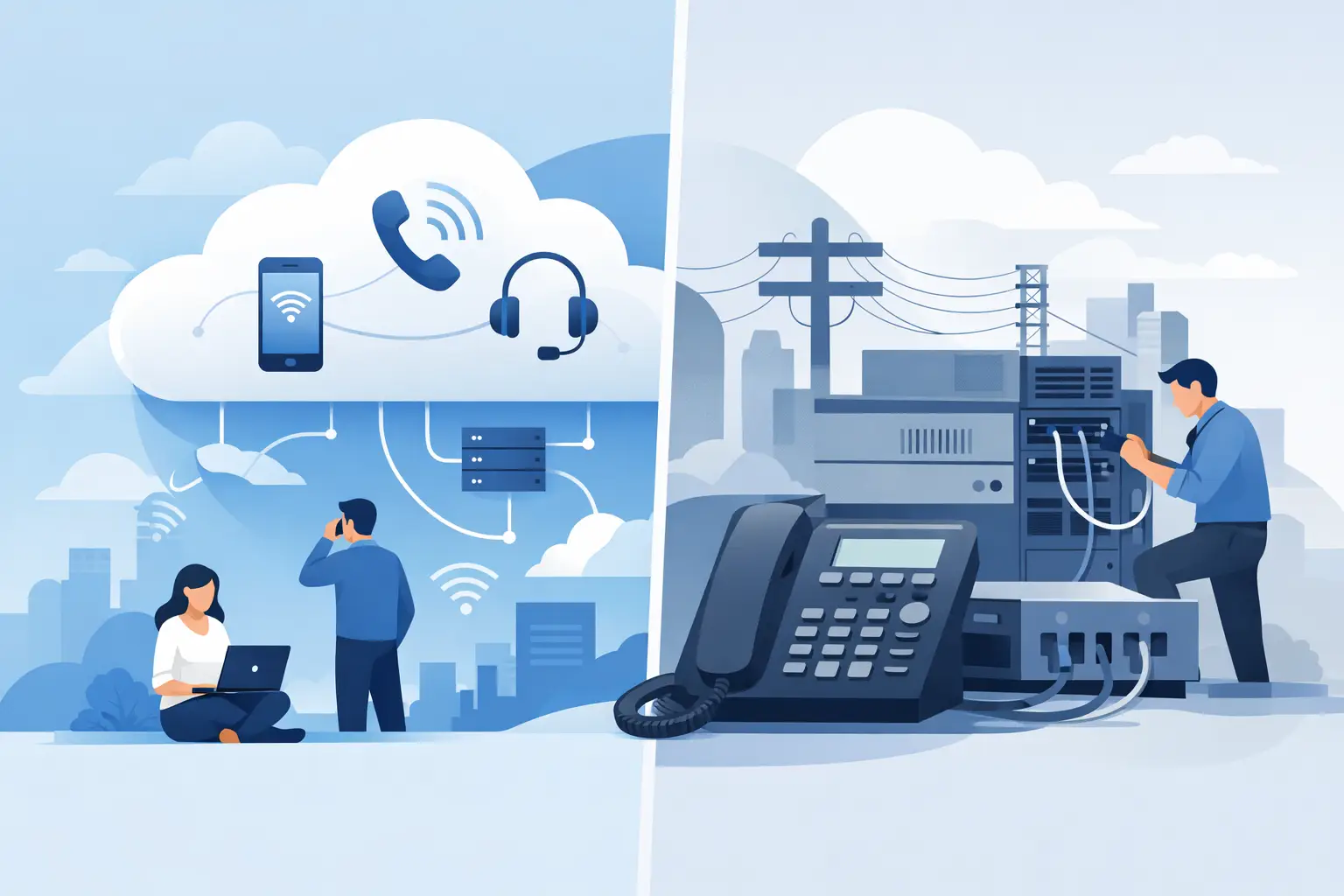
The obvious route is a like-for-like replacement: an IP-capable PBX stays in the server room and runs directly on the IP line.
Strengths: Handling stays familiar, internal calls keep working when the internet connection is disrupted, and analog ports for special devices can often be provided right on the system. For businesses with a fixed on-site workforce and lots of special equipment, this can be the calmer choice.
Limits: Hardware, updates and maintenance remain your responsibility. Expansion depends on the system's capacity, and mobile working needs extra configuration. The next replacement arrives when manufacturer support ends.
Option B: Cloud phone system
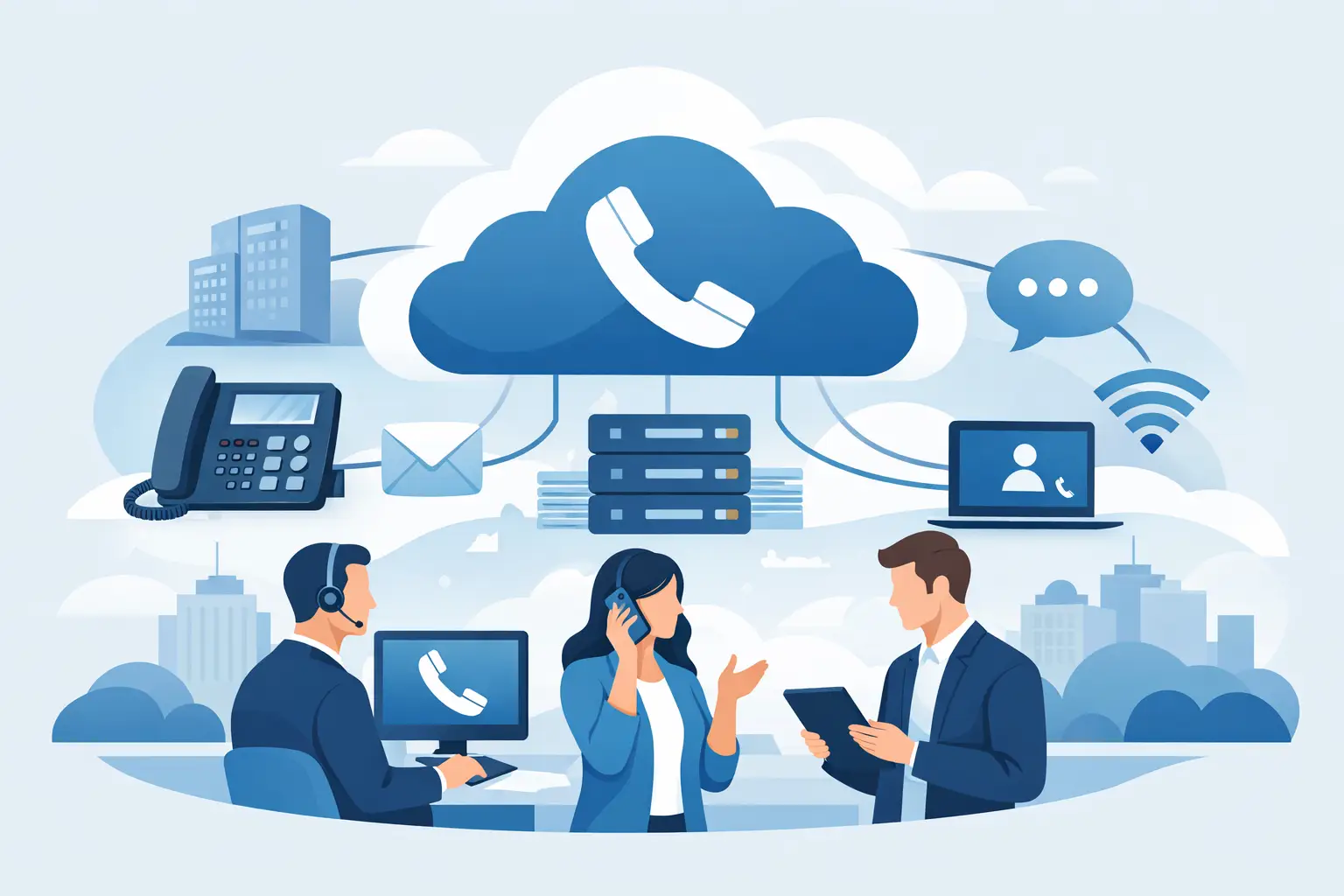
With the cloud option, the phone system runs in a data center. On site, all you need are end devices and a stable connection.
Strengths: Staff call with their landline extension from a PC with a headset, a smartphone or a desk phone, wherever they are. New extensions are added without cabling, and the system grows with your team. With our cloud phone system we set up your existing numbers and extensions, configure forwarding, voicemail and announcements, and adjust the configuration once after 30 days. Pricing starts at €5.90 per extension per month plus a one-time basic setup (€699.00), with a minimum term of 36 months; all prices net.
Limits: No internet, no calls, so the line and internal network need checking beforehand. Older special devices with an analog interface need their own solution.
Side-by-side comparison
| Criterion | On-site PBX | Cloud phone system |
|---|---|---|
| Hardware | your own system | end devices only |
| Mobile working | extra effort | built in |
| Expansion | capacity-dependent | per extension |
| Internet outage | internal calls work | fallback needed |
| Maintenance | your job | service provider |
| Costs | purchase plus care | monthly |
How to switch from ISDN to cloud telephony
Whichever option you choose, the process is similar, and the effort rarely lies in the main phones.
- Take stock: List every number, extension, hunt group, forwarding rule and contract. Then walk through the premises and note every device with a phone cable, not just the phones.
- Clarify auxiliary systems: Check fax, intruder and fire alarm systems, elevator emergency calls, door intercoms, older card terminals and franking machines. The Bundesnetzagentur notes that legacy transmitters in alarm systems must be replaced with IP-capable units and advises against so-called IP/ISDN converters. Most fax machines keep working, but "Group 4" devices do not.
- Check the network: Test bandwidth, latency and voice prioritization on your company network. Our guide to office network solutions goes into more detail.
- Port your numbers: According to the Bundesnetzagentur, taking your number with you must be free of charge, for business customers too. Service may be briefly interrupted on the day of the switchover, so pick a quiet day. We can't guarantee an uninterrupted switchover across the board.
- Plan for emergency calls and outages: Clarify which location is transmitted with an emergency call, especially for home-office extensions. The Bundesnetzagentur's TR Notruf guideline sets how accurate location data has to be. Also decide where calls are diverted if the internet goes down; this fits neatly into your IT emergency plan.
- Switch over and fine-tune: Day-to-day use quickly shows which hunt group or announcement still needs work, so schedule a review a few weeks after the switch.
The underestimated auxiliary systems
Hypothetical example: a tax firm with twelve workstations replaces its ISDN system with a cloud phone system. The phones are switched over in a day. Only during the inventory does it emerge that the intruder alarm sends alerts to the security company through an analog port on the old system, and that the fax machine is still used for mail from public authorities. Without that list, the alarm transmission would simply have gone silent when the old system was removed.
Depending on the manufacturer, such devices need a software update, a new IP transmitter or a replacement. For alarm systems and elevator emergency calls, always involve the installer or maintenance company, as additional requirements may apply.
Decision guide: which solution fits when
An on-site PBX tends to fit when almost everyone works on site, the internet connection is weak or unreliable, and many analog special devices need to connect directly to the system.
A cloud phone system tends to fit when teams work remotely or from home, extensions are added or removed often, and you no longer want to maintain your own hardware. If you have to migrate anyway, the cloud route often saves you a second overhaul a few years down the line.
For a broader look at features, selection and rollout, see our guide to cloud phone systems for businesses. If telephony is part of a bigger IT overhaul, independent IT consulting helps you sort out priorities.
ISDN replacement checklist
- Numbers, extensions, hunt groups and contracts recorded?
- Every device with a phone connection listed, not just phones?
- Fax, alarm system, elevator emergency call, door intercom and card terminal clarified with the manufacturer or installer?
- Bandwidth and internal network checked for voice?
- Porting date agreed and fallback route for outages defined?
- Emergency call location for home-office extensions clarified?
Frequently asked questions
Do I still need to replace ISDN at all?
The line itself is almost always IP-based by now. What you mainly need to replace is an old ISDN system still running via an adapter, plus special devices that only work with ISDN or analog technology.
Can I keep my phone numbers?
Usually, yes. Numbers can be ported to the new provider, and according to the Bundesnetzagentur porting must be free of charge. We coordinate the date with the providers involved.
Will my fax machine work with cloud telephony?
According to the Bundesnetzagentur, most fax machines can continue to be used, possibly after reconfiguration. "Group 4" devices no longer work. Whether and how the fax connects to the cloud system is something we clarify during the inventory.
What happens if the internet goes down?
With a cloud phone system, calls through the system aren't possible without internet. That's why you decide in advance where calls are diverted, for example to mobile numbers.
Conclusion
Switching from ISDN to cloud telephony is manageable if you treat it as a small project: inventory first, then network and auxiliary systems, and the switchover last. As an IT service provider with 20 employees and more than 1,500 managed end devices, we support these migrations from the initial inventory to the final fine-tuning. You'll find more about our scope of services under phone systems and cloud telephony.
Sources
Updated on