

Cloud Phone Systems for Businesses Explained
Cloud phone systems for businesses: how SMEs benefit from flexible telephony, better availability, and predictable costs every day.
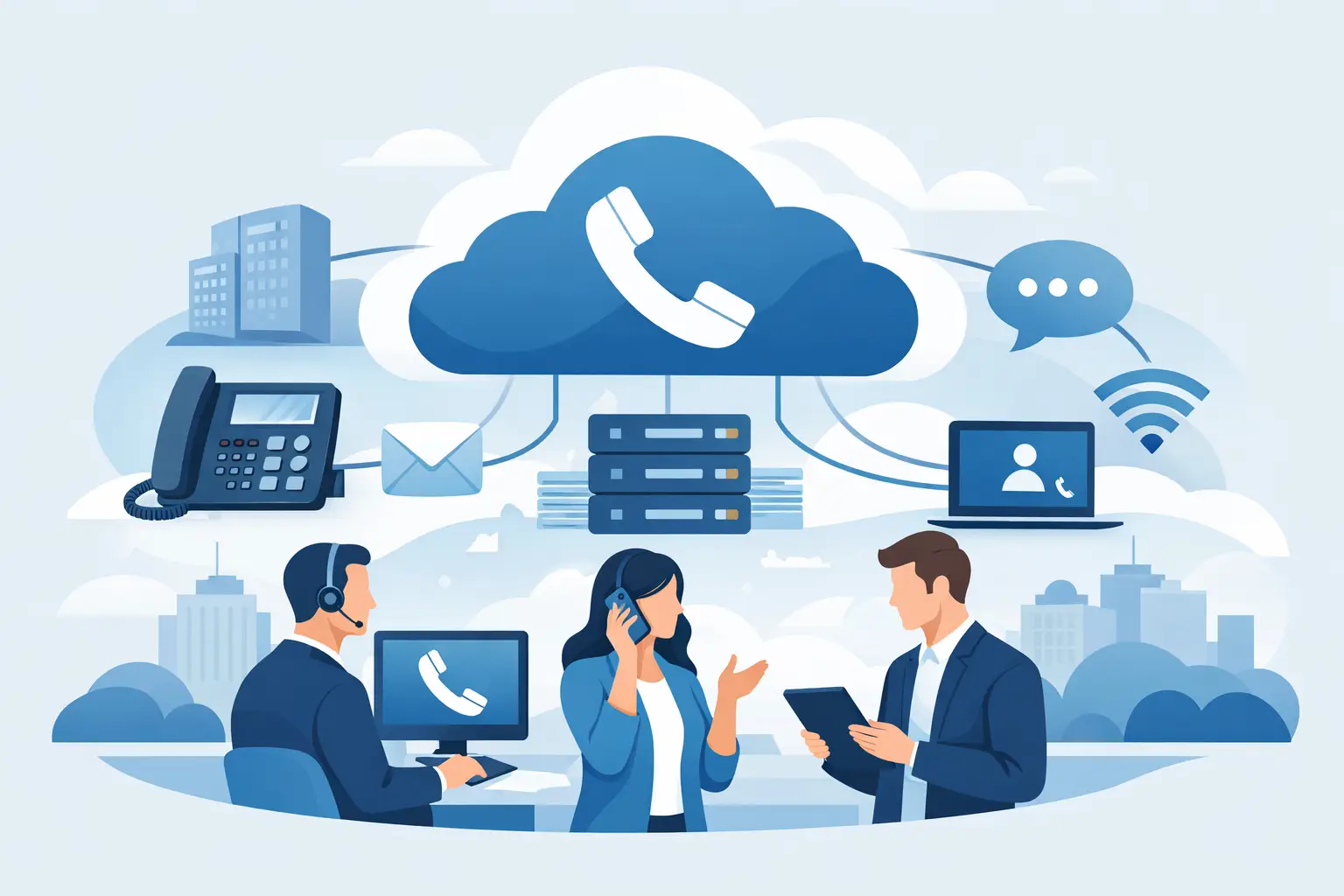
Anyone who needs to be reachable today at the office, in the home office, and on the road quickly notices how inflexible traditional phone systems have become. This is exactly where the topic of cloud phone systems for businesses becomes relevant: not as a technology trend, but as a practical answer to changing work patterns, rising service expectations, and the desire for predictable IT costs.
For small and medium-sized businesses, a modern telephony solution above all needs to do one thing: work reliably without adding complexity to daily operations. Customer calls, internal coordination, call forwarding, mobile availability, and connecting multiple locations shouldn't be an organizational obstacle. A cloud phone system can simplify exactly that — if it fits how your company actually works.
What a cloud phone system for businesses really delivers
At its core, a cloud phone system replaces the traditional on-premises PBX with a hosted solution. Telephony no longer runs over locally installed infrastructure with high maintenance overhead, but over a platform hosted in a data center. For many companies, that's appealing because hardware, upkeep, and expansion become significantly easier.
The bigger advantage, though, usually isn't the technology itself, but the operations. New extensions can be set up faster, employees can work under their usual number regardless of location, and adjustments are possible without elaborate rebuilding. This is often the decisive point for growing businesses or companies with field staff, part-time arrangements, or home-office work.
At the same time: a cloud solution isn't automatically better just because it sounds modern. If the internet connection is unstable, internal processes are unclear, or nobody defines how availability should be organized, new problems arise elsewhere. That's why the decision should never be based solely on price or a feature list.
VoIP or cloud phone system: what's the difference?
In practice, the terms VoIP and cloud phone system are often used interchangeably, even though they describe different things. VoIP (Voice over IP) is simply the transmission technology: voice is converted into data packets and sent over the internet protocol instead of classic phone lines. A cloud phone system builds on that technology but additionally moves the central system functions — extensions, call groups, queues, administration — into the provider's data center.
The distinction is more than semantics, because it shapes the decision. VoIP can also be combined with a system that still runs on-premises, sitting in your own server room, while still handling calls over IP. That can make sense if a company has very specific interfaces to line-of-business applications, call-center functions with heavy customization needs, or already-maintained, modern IT infrastructure with its own admin team. For most SMEs, though, the cloud variant wins out: less administrative overhead, no in-house hardware that needs maintaining and eventually replacing, and scaling that isn't capped by local capacity limits.
So the relevant question for the decision isn't "VoIP or not" — there's no way around that technology anymore anyway. What matters is whether the system function itself should run on-premises or in the cloud, and that depends less on enthusiasm for new technology than on actual operational requirements.
Which companies benefit most from this solution
A cloud phone system is especially worthwhile for companies that work flexibly and no longer want to tie their communication to a single location. That applies to trade businesses with an office and field staff just as much as to law firms, medical practices, service providers, agencies, or mid-sized trading companies with several teams.
Companies whose existing phone system has aged also often benefit from switching. If replacement parts are hard to get, expansions become expensive, or administration only works with specialist knowledge, that's a clear signal. At the latest by then, it's worth looking at a future-proof alternative.
Pure cloud telephony can be less suitable if a location permanently lacks a stable connection, or if highly specialized legacy systems need to be connected that have only limited compatibility. In such cases, a careful review is needed rather than a quick decision. This is exactly where the value of vendor-neutral advice shows.
The most important benefits in daily work
In day-to-day business, what counts isn't buzzwords but noticeable relief. In many companies, a cloud phone system first improves availability. Calls no longer go unanswered just because someone changed desks or is working from home at short notice. Call groups, forwarding, and presence features help route customer inquiries to the right person faster.
There's also better scalability. As your company grows, new employees start, or additional locations are added, the solution can be adapted without major investment. That's more economical than a system that's already too small — or unnecessarily oversized — today.
Another advantage is predictable costs. Instead of high one-time investments, monthly, well-plannable fees usually take center stage. For many SMEs, that's more comfortable because it fits communication costs more easily into ongoing operations. Still, it's worth taking a close look at the pricing model. Cheap to start with doesn't automatically mean cheap in daily use, if features, devices, or support are billed extra later.
What companies should look for when choosing
The right solution doesn't start with the provider, but with the requirements. How many workstations need to be connected? Is there just one office or several locations? Do employees work mobile? Are group numbers, queues, or time-based routing needed? Should softphones be used on laptops, or should classic desk phones remain in use?
Small and medium-sized companies in particular often underestimate how closely telephony is tied to their workflows. Who takes first calls? What happens during vacation or illness? Which department needs fixed extensions? How are emergencies or outages handled? A cloud phone system only works well once these questions have been clarified in advance.
Technically, the connection above all needs to be checked carefully. Without sufficient bandwidth and stable network quality, voice quality suffers. The internal network matters too. If data traffic and telephony interfere with each other, even the best platform won't help much. That's why analyzing the internet connection, firewall, network structure, and endpoint devices should always be part of the rollout.
Testing a VoIP system before switching and avoiding outages
Before a new phone system goes live company-wide, it's worth running a structured test under realistic conditions. A quick test call from the office Wi-Fi says little about how the system behaves once video calls are running at the same time, backups are syncing, or several employees are on the phone in parallel.
A solid test checks several layers at once:
- Bandwidth under load: How does voice quality hold up when the typical applications of daily business are running in parallel — not just on an idle network?
- Quality of Service (QoS): Voice packets should be prioritized on the network so a large download or cloud sync doesn't cause dropouts in the middle of a customer call.
- Redundancy: For companies that depend on continuous availability, it's worth considering a second internet connection or a mobile-network fallback that kicks in automatically during an outage.
- Voice quality at different times: Testing in the morning, at midday, and in the afternoon, and at different locations, shows whether peak load on your own network or at the provider affects calls.
- Failure and emergency behavior: What happens if the internet connection drops briefly? Are calls rerouted automatically, and does the emergency-call setup still work in that case?
Checking these points before the final cutover, rather than after, avoids the typical early problems many companies struggle with unnecessarily: choppy calls, delayed call pickup, or telephony that drops out entirely during network peaks. A test period with clearly defined acceptance criteria belongs in every migration project, not just especially critical ones.
Cloud phone systems for businesses and security
As soon as communication runs over external platforms, security rightly comes under closer scrutiny. Companies want to know where data is processed, how access is protected, and what happens in the event of a failure. These questions are legitimate and should be answered openly.
First, it's important that the solution is operated professionally and meets clear security standards. That includes encrypted connections, secured user access, traceable permission concepts, and a resilient operating model. The organizational side matters just as much: who is allowed to change settings, who manages call forwarding, and how are mobile devices secured?
Resilience also depends on the overall concept. A cloud phone system can run very stably, but it depends on network availability. Companies should therefore check which fallback scenarios make sense. In some environments, mobile network backup is enough; in others, clearly defined fallback processes are needed for individual teams or locations.
Rolling out without disrupting ongoing operations
Switching to a new telephony solution doesn't have to be complicated if it's planned in a structured way. What matters is that the technical transition and daily operations are properly coordinated with each other. Number porting, devices, user profiles, and training all need to mesh.
In practice, a clear project process with six steps works well:
- Current-state assessment: Fully record phone numbers, extensions, devices, contracts, special lines, and existing forwarding rules. If you find fax machines, alarm systems, or door intercoms still hanging off the old PBX, plan those separately — see the guide Cloud telephony or ISDN replacement for details.
- Define an availability concept: Set opening hours, queues, cover arrangements, and responsibilities.
- Assess the network: Check the internet connection, firewall, switches, and Wi-Fi for quality and resilience.
- Choose the solution and devices: Decide on desk phones, softphones, or smartphone apps based on how the teams actually work.
- Port and configure numbers: Request existing numbers early and fully configure the new system before the cutover date.
- Test and train: Run through test calls, forwarding, and emergency procedures before the old telephony is switched off.
Especially for SMEs, it's important that employees quickly understand how to answer calls, forward them, or work on mobile. A good solution isn't recognized by how many features it has on paper, but by how easy it is to use day to day.
A partner who not only sells but also implements, supports, and stays reachable pays off here. WSV Systemhaus supports companies not just in choosing a solution, but also in setup, support, and ongoing operations. That's especially valuable when telephony is part of a broader IT strategy and network, security, and cloud services need to work together.
Common mistakes when deciding
Many problems don't come from the cloud phone system itself, but from false expectations. A common mistake is focusing purely on price. If only the monthly fee is compared, setup effort, support quality, and expansion options often get left out.
It's just as critical to carry old structures over unchanged into a new environment. If you previously had unclear cover arrangements or poorly organized call groups, you simply bring those weaknesses along otherwise. The transition is therefore also an opportunity to organize communication more cleanly.
A third point concerns responsibility in operations. Even though the platform is hosted externally, you still need fixed internal points of contact. Someone has to coordinate changes, manage users, and consolidate requirements. Otherwise, a flexible solution quickly turns into a collection point for individual wishes with no clear direction.
When consulting is especially worthwhile
At the latest once multiple locations, mobile teams, or existing systems need to be taken into account, the selection process shouldn't run as an afterthought. At that point, it's no longer just about telephony, but about availability, service quality, and work organization. For managing directors, this is an economic topic; for IT decision-makers, an infrastructure topic; and for office managers, often a question of daily workflow.
Good advice therefore doesn't just look at features, but at actual benefit. Which solution relieves your team? Which option will still fit in three years? Where are the security or operational risks? And which investment is genuinely worthwhile rather than just cheap in the short term?
If you want to modernize your communication, you don't need a complicated technical debate, but a solution that fits your company, runs reliably, and grows with you. That's exactly where it's decided whether a cloud phone system is just a new system — or a real improvement in daily work.
Sources
More guides
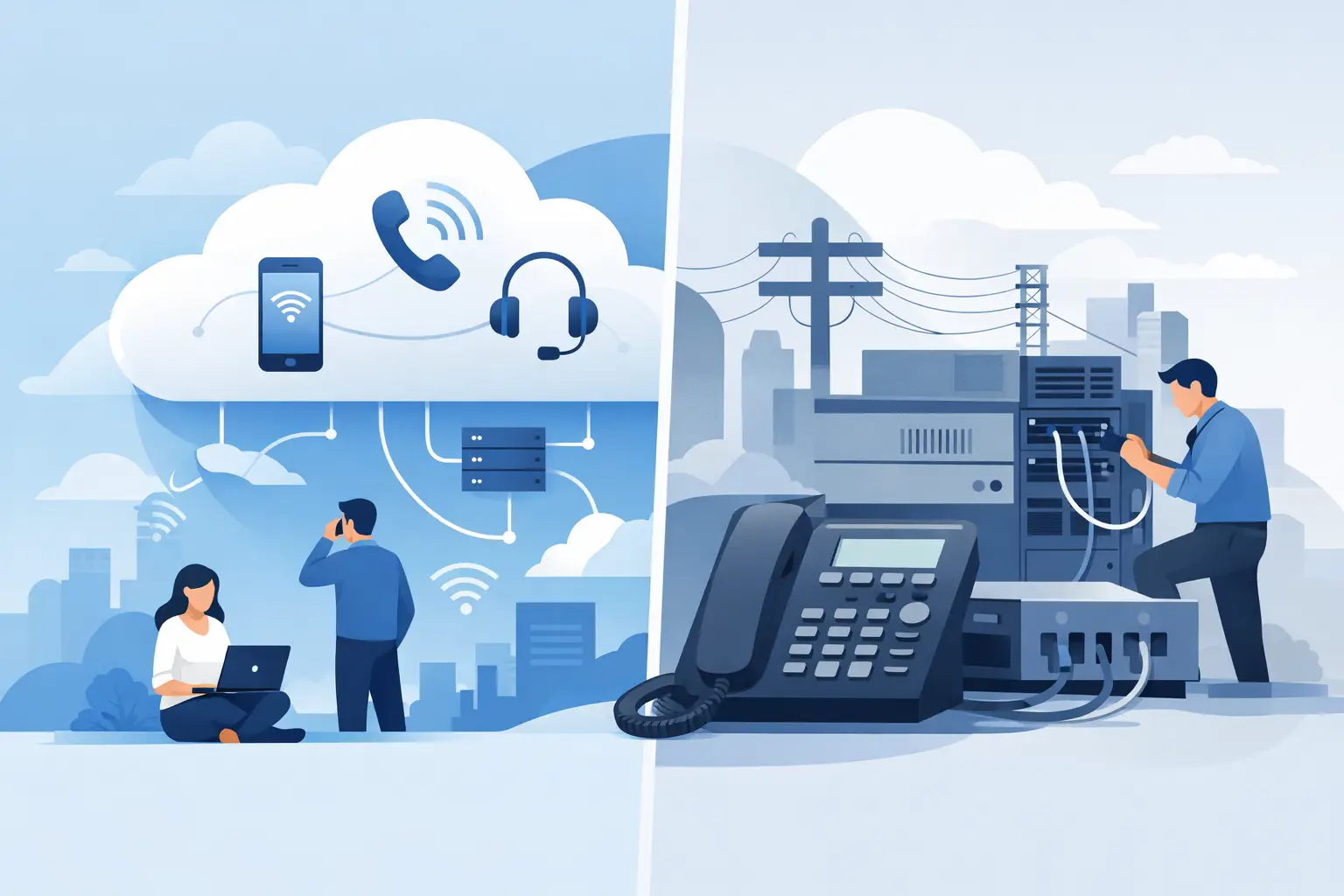
Cloud Telephony or ISDN Replacement: What Fits?
ISDN has been fully switched off across Germany - but anyone still running fax machines, alarm systems, or door intercoms through the old phone system needs a clean migration plan.
read more : Cloud Telephony or ISDN Replacement: What Fits? →
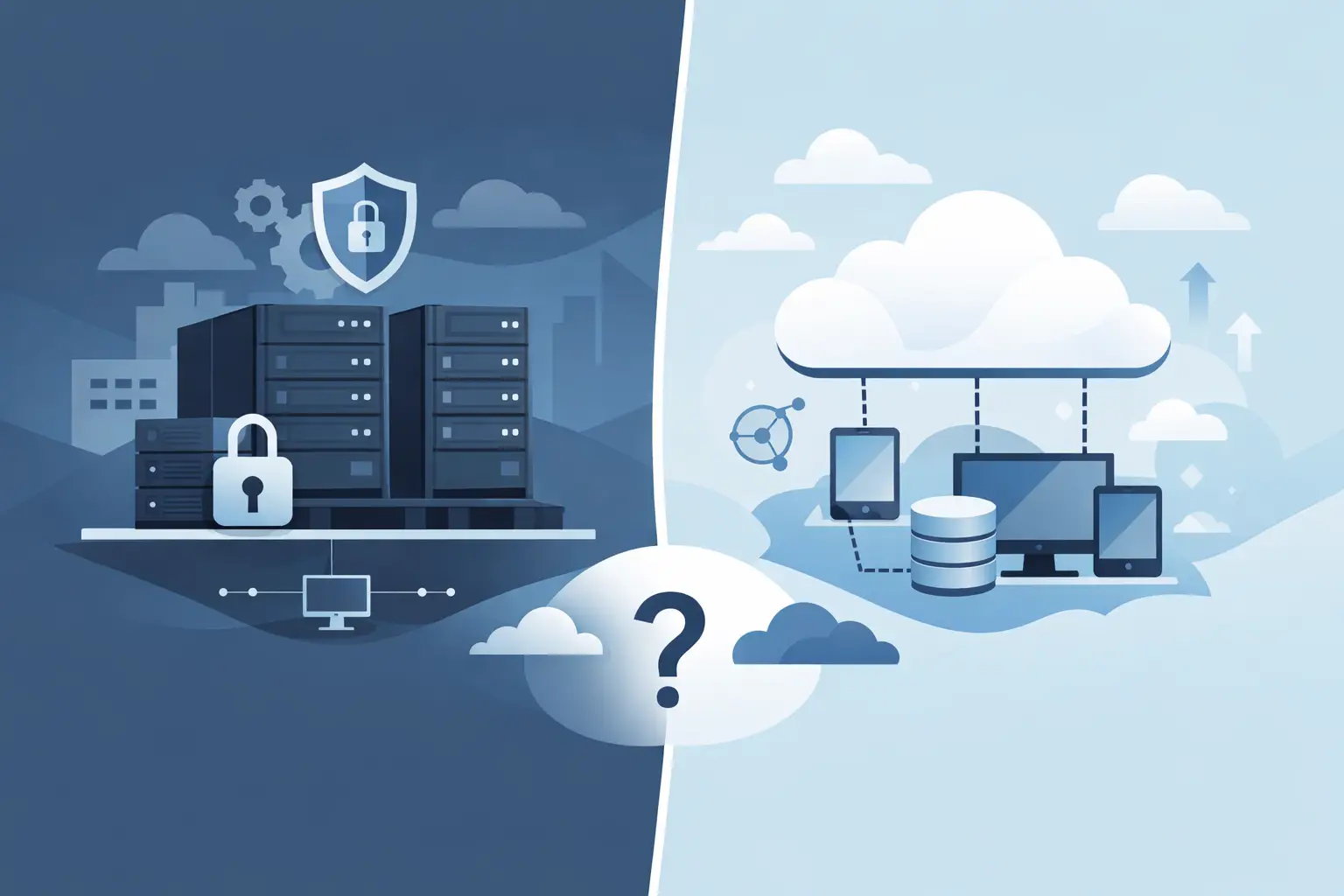
On-Premises Server or Cloud – What Fits?
On-premises server or cloud - which solution fits your business? A practical comparison of cost, security, flexibility, and operations.

Planning Cloud Migration for SMEs the Right Way
Cloud migration for SMEs succeeds with a clear strategy, careful planning, and secure operations - avoiding risk and unnecessary cost.
read more : Planning Cloud Migration for SMEs the Right Way →
Updated on