

Password Security at Work: The Key Rules
Weak and reused passwords are among the biggest entry points for attackers. These are the rules your company should put in place.
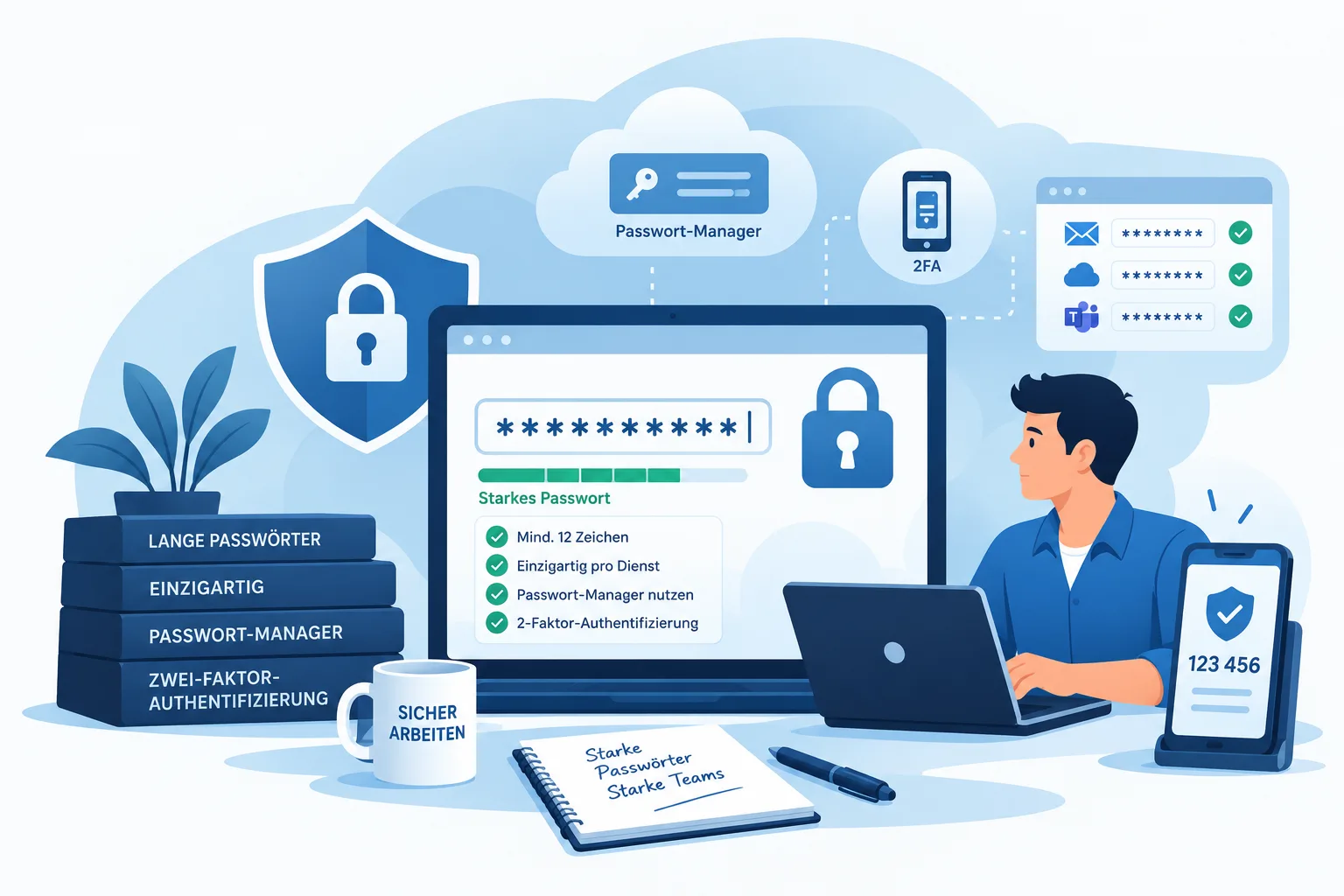
Weak or reused passwords are among the most common entry points for attacks on businesses. A single compromised account can be enough for attackers to gain access to email, cloud services, or internal systems. The good news: a few consistently applied rules can significantly reduce the risk - without expensive extra technology.
Length beats complexity
A long password is harder to crack than a short one with special characters, digits, and capital letters. Use passphrases of at least twelve characters - for example, several random words strung together. Such passphrases are easier for people to remember than a cryptic string of characters, yet far more costly for automated (brute-force) attacks to guess. Rigid complexity rules like "at least one special character, one digit, one capital letter" often just push employees toward predictable patterns like "Password1!" - length is the far more effective criterion.
A separate password for every service
If one service is compromised, attackers automatically try the stolen credentials on other services (credential stuffing). A separate password per service stops this chain reaction: even if a single provider gets hacked, all your employees' other accounts stay protected.
No more mandatory periodic changes
For a long time, the rule was to change passwords every 90 days. The security industry has largely moved away from this: without a concrete reason to suspect an incident, a forced periodic change mostly just leads employees to increment a digit at the end or write the new password down on a sticky note - security barely improves as a result. It's more effective to change a password immediately for a specific reason: a reported data breach at the service in question, a lost device, or a successful phishing attempt.
Use a password manager
Nobody can reliably keep track of dozens of long, unique passwords in their head - reaching for repetition or minor variations is only a matter of time otherwise. A centrally managed password manager solves this problem: it generates and stores a separate, random password for every service and also enables team features such as securely sharing credentials within a team and a clean offboarding process when employees leave the company.
Enable two-factor authentication
Wherever possible, a second factor (app, hardware token) should be enabled - especially for email, VPN, and cloud services. Even a stolen or guessed password is then no longer enough to gain access, because the attacker would also need the second factor. For particularly critical access (administrator accounts, email mailboxes, VPN), this is one of the single most effective measures available.
What to do if a password gets compromised
Even with good rules in place, an incident can never be fully ruled out - for example after a successful phishing attempt or a data breach at a service you use. Fast, structured action matters: change the affected password immediately, check whether it was reused on other services (and change it there too), end active sessions on the affected account, and inform your internal IT so unusual activity from the period before can be reviewed.
The human factor: training, not just technology
The best technical solution helps little if credentials are given out over the phone or entered on a fake login page. Regular, hands-on security awareness training and phishing simulations complement the technical measures in this article and help employees recognize suspicious requests in everyday work, before they turn into a compromised password.
Our tip
Want to know how password security actually stands in your company? Our IT security check gives you a first overview of the status quo. Get in touch - we support you from the initial assessment through to rolling out a password manager in your company.
Sources
More guides
Making Email Security Work for Your Business
Email remains the most common attack vector. How SPF, DKIM, and DMARC protect against spoofing, and which organizational measures complete the picture.

IT System Monitoring: Spotting Problems Earlier
Outages usually announce themselves before they become visible. How proactive monitoring of servers, network, backup, and security catches problems before they turn into emergencies.
read more : IT System Monitoring: Spotting Problems Earlier →
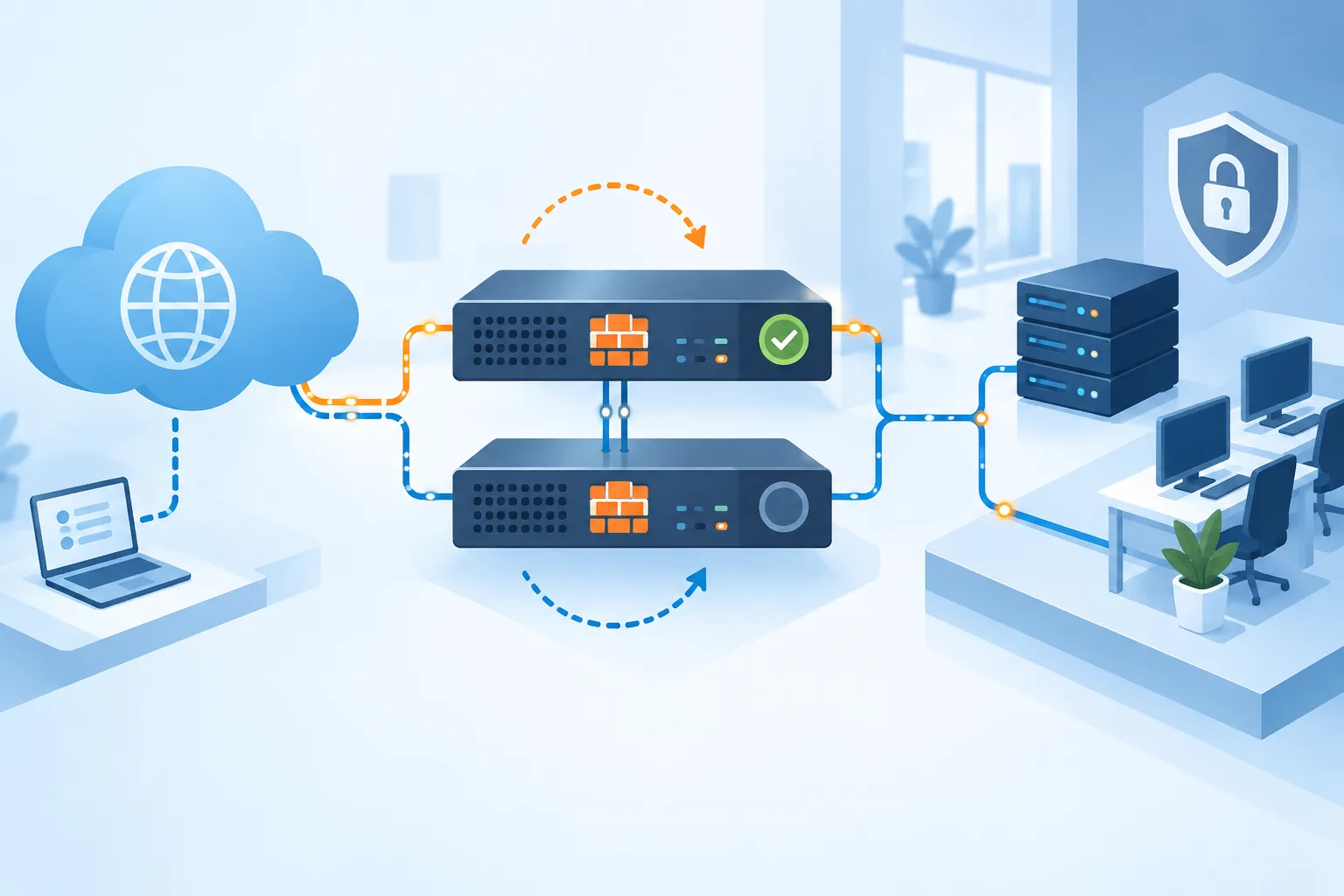
Firewall Clusters: Comparing High-Availability Firewall Solutions
What a firewall cluster is, why businesses need one - and how UniFi, Securepoint, and Sophos each solve high availability at your internet gateway.
read more : Firewall Clusters: Comparing High-Availability Firewall Solutions →
Updated on